Reduce Image Size Online - Free & Instant
Compress JPG, PNG, WebP, GIF in seconds. No upload to server. 100% private.
Reduce Image Size Online
Compress JPG, PNG, WebP, GIF in seconds. No upload to server.
How to Reduce Image Size (3 steps)
Upload your image
Drag an image into the tool or click to browse.
Choose quality or target KB
Use the slider or enter the exact file size you need.
Download compressed image
Save the smaller file instantly on your device.
Why Choose reduceimage.in?
100% Private
Files never leave your browser, so personal photos and documents stay on your device.
No File Size Limit
Compress images of any size your device can handle, including large phone photos.
All Formats
Reduce JPG, PNG, WebP, GIF and BMP file size from one simple tool.
Mobile Friendly
Works smoothly on phones for forms, job portals, email and WhatsApp sharing.
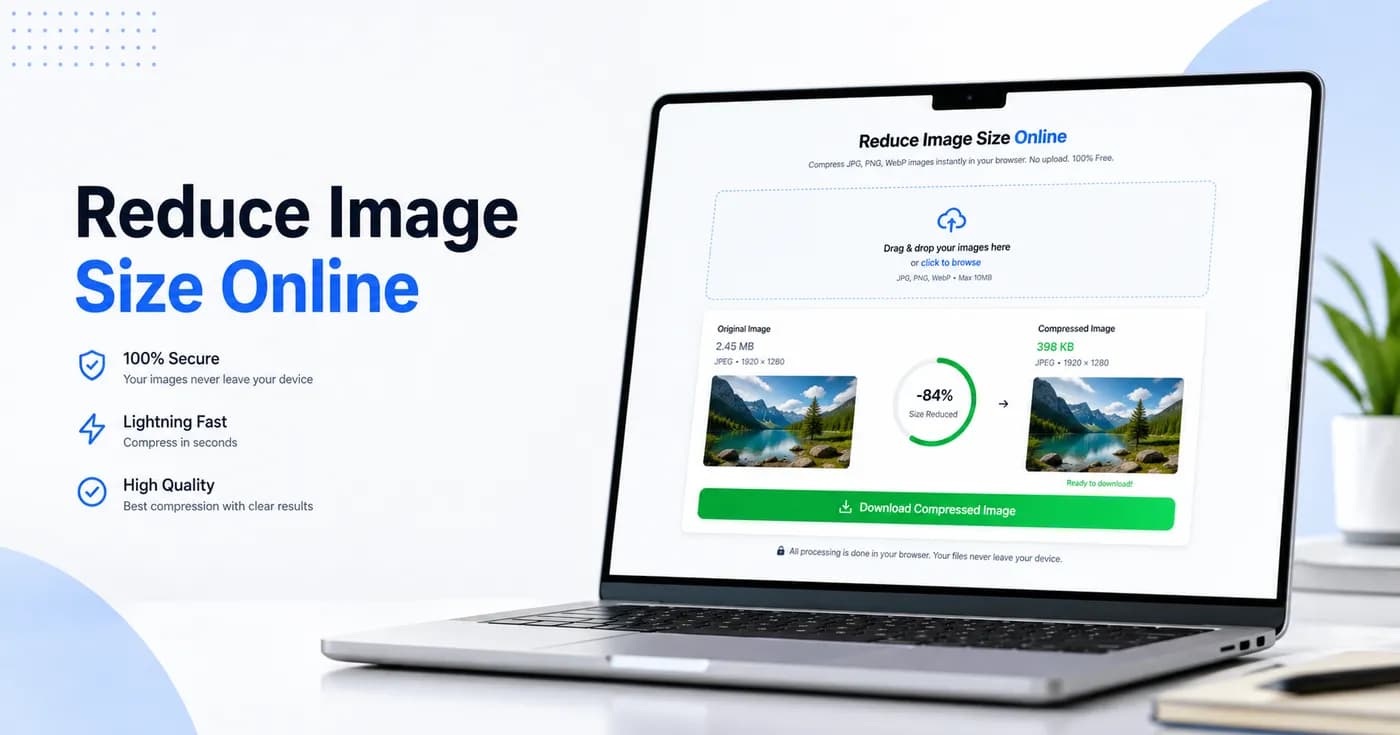
See How Compression Works in Real Time
Reduce image size online with a clear before-and-after view so you can check quality and file size before downloading. This helps when you need fast results for forms, email attachments, and mobile sharing.
Compress to Exact KB - You Control the Size
Need Exactly 100KB? We've Got You.
Many forms require images under a specific size. Use our target-size feature to reduce image size in KB for passport photos, government forms, job applications and email attachments.
Reduce Image Size in KBFrequently Asked Questions
How do I reduce image size without losing quality?
Use reduceimage.in, upload your image, adjust the quality slider, and download the compressed version. The tool preserves visual quality while reducing file size.
Is my image uploaded to a server?
No. All compression happens directly in your browser. Your files never leave your device.
What image formats are supported?
We support JPG, JPEG, PNG, WebP, GIF, and BMP for image compression.
Can I compress multiple images at once?
Yes, you can upload multiple images and compress them together. Each compressed file gets its own download button.
Is reduceimage.in free?
Yes, reduceimage.in is completely free. There is no signup, no credit card, and no upload fee.
How do I reduce image size to 100KB?
Use the dedicated 100KB page, upload your image, and download the compressed file. The target size is already set to 100KB.
How do I reduce image size on iPhone?
Open reduceimage.in in Safari or Chrome, upload an image from Photos, compress it, and save the smaller file.
What is the maximum file size I can compress?
There is no hard server limit because the file stays in your browser. Performance depends on your device RAM and works well for many images up to 50MB or more.