Reduce Image Size in KB - Set Your Exact Target
Reduce image size in KB for online forms, passport photos, government portals, email attachments and WhatsApp sharing. Enter the target KB size you need and compress JPG, PNG or WebP files directly in your browser.
Enter Target Size in KB
Compress JPG, PNG, WebP, GIF in seconds. No upload to server.
How to Reduce Image Size in KB
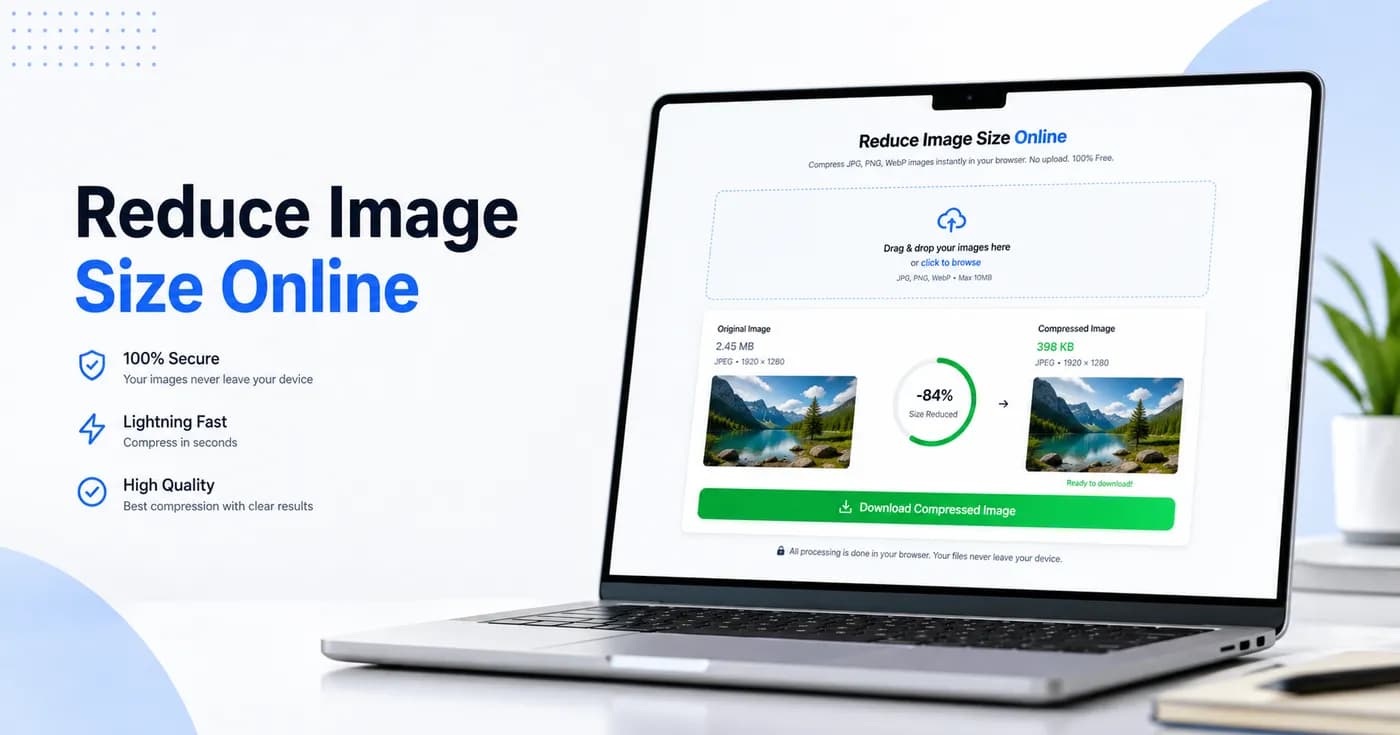
Upload your image, type the target size in KB, then press Compress. The tool uses repeated browser-side compression attempts to find a smaller file while keeping the image readable and useful.
This is useful when a form asks for an image under 15KB, 20KB, 50KB, 100KB, 200KB or 500KB. You can choose the exact KB value instead of guessing with a basic quality slider.
Why Reduce Image Size in KB?
Many Indian government forms, college applications, job portals, passport photo uploads and bank KYC flows reject large images. A clear KB target helps you pass those checks without installing software.
Because compression runs on your device, you can reduce file size online while keeping private photos away from server uploads.
Related Image Tools
You can also use the reduce image size to 100KB page, the reduce image size to 50KB page, or the JPG image size reducer.
Practical Tips for Better Compression
When you reduce image size online, the best result comes from balancing clarity and file size for the exact upload rule you are targeting. If a form asks for 100KB, 50KB, or 20KB, aim directly for that limit instead of repeatedly guessing quality levels. A predictable KB workflow saves time, avoids upload errors, and helps you finish applications quickly.
Image compression is especially important for Indian recruitment forms, college admissions, scholarship portals, exam registrations, and KYC flows where file constraints are strict. A compressed file also uploads faster on slower connections and is easier to attach to email or send through messaging apps.
For highest success rates, start with a clean source image. Crop unnecessary borders, avoid blurry photos, and keep the main subject centered. Then compress to your required KB or MB size and verify the final file before submitting. If the result looks too soft, raise the target size slightly or reduce image dimensions before recompressing.
Frequently Asked Questions
How do I reduce image size without losing quality?
Use reduceimage.in, upload your image, adjust the quality slider, and download the compressed version. The tool preserves visual quality while reducing file size.
Is my image uploaded to a server?
No. All compression happens directly in your browser. Your files never leave your device.
What image formats are supported?
We support JPG, JPEG, PNG, WebP, GIF, and BMP for image compression.
Can I compress multiple images at once?
Yes, you can upload multiple images and compress them together. Each compressed file gets its own download button.
Is reduceimage.in free?
Yes, reduceimage.in is completely free. There is no signup, no credit card, and no upload fee.